Blur Screenshots
Protect sensitive information by blurring parts of your screenshots. Fast, secure, and completely private.
Upload Screenshot to Blur
Drag and drop your image here, or click to browse
Supports PNG, JPG, WebP • Max 10MB
How It Works
Four simple steps to blur your screenshots
Upload Image
Drag and drop or select your screenshot
Choose Mode
Select Full Image or Selective blur
Adjust Settings
Choose blur type and intensity
Download
Save your protected screenshot
Blur Multiple Sections
Protect multiple areas in a single image with selective blur
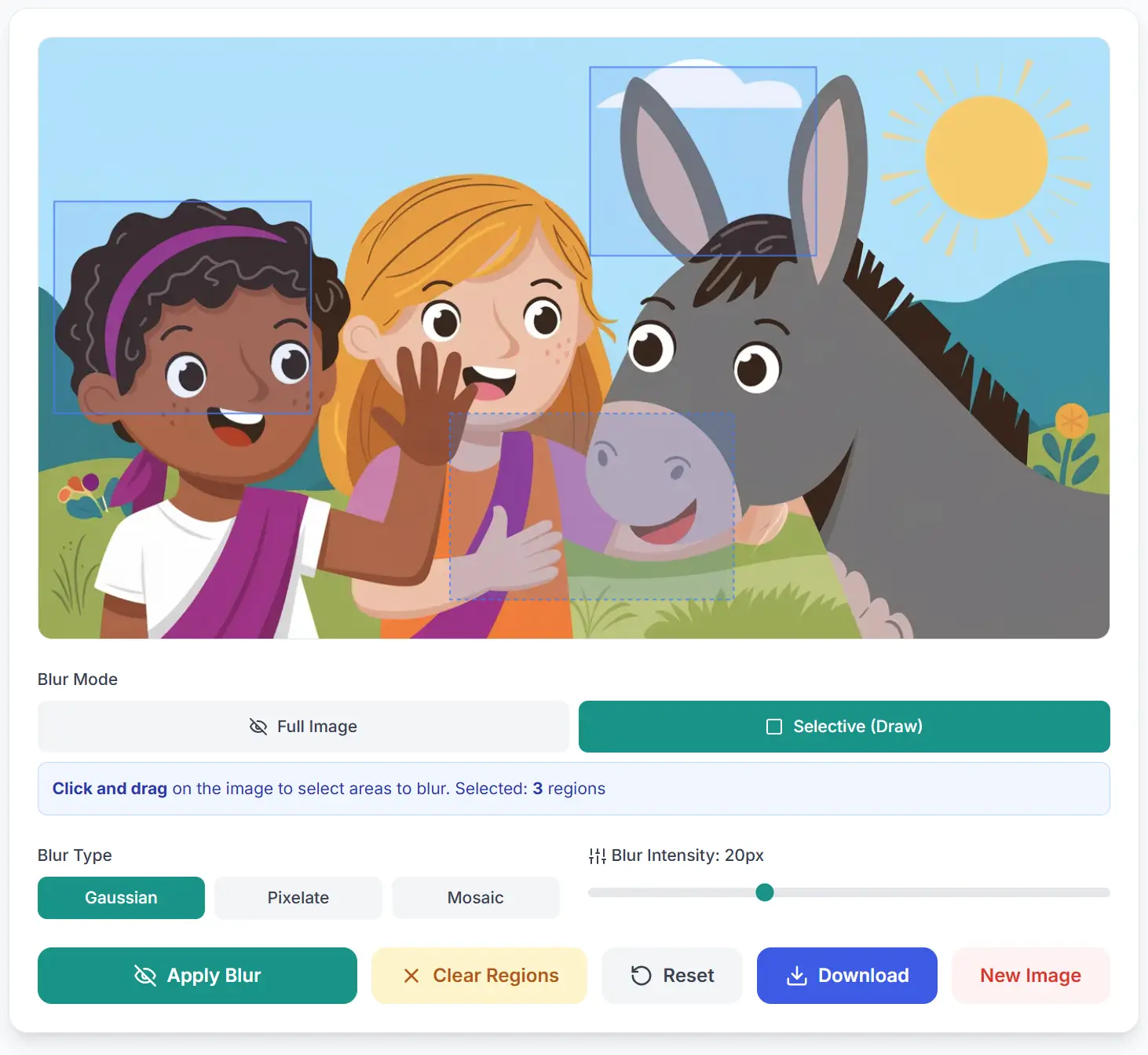
Select Multiple Regions
Click and drag to draw rectangles around sensitive areas. You can select as many regions as needed in a single image.
- ✓Draw rectangles over faces, names, or any sensitive information
- ✓Blue overlay shows selected areas before blurring
- ✓Add or remove regions until you're satisfied
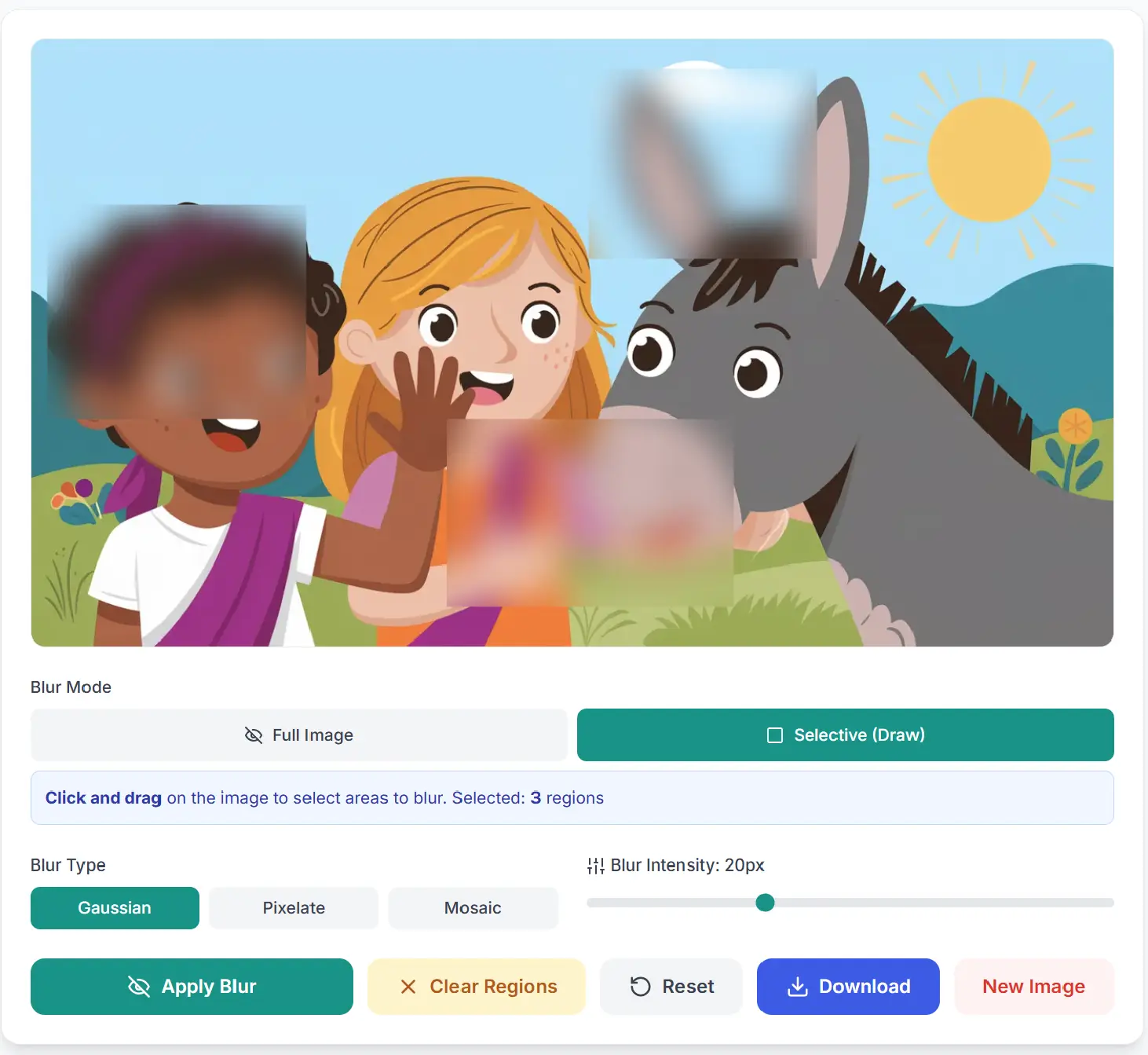
Apply Blur to Selected Areas
Click "Apply Blur" and watch as only your selected regions get blurred, keeping the rest of your image crystal clear.
- ✓Only selected areas are blurred - context remains visible
- ✓Choose from Gaussian, Pixelate, or Mosaic blur effects
- ✓Adjust intensity for perfect privacy protection
Features
Everything you need to protect sensitive information
Selective Blur
Draw rectangles to blur only specific parts of your image. Perfect for hiding sensitive information while keeping context visible.
Gaussian Blur
Smooth, professional blur effect that gradually softens edges. Perfect for hiding text and faces while maintaining a natural look.
Pixelate Effect
Retro-style pixelation that breaks the image into large blocks. Ideal for completely obscuring sensitive data with a distinctive look.
Mosaic Effect
Block-based averaging that creates a mosaic pattern. Provides strong privacy protection while maintaining color information.
100% Private
All processing happens in your browser. Your images never leave your device, ensuring complete privacy and security.
Instant Results
Real-time blur preview and fast processing. See changes immediately and download your protected image in seconds.
All Screenshot Tools
Discover all our powerful screenshot and screen recording tools